Beginner’s Guide to Python Programming Basics
12/27/2025
Exploring Python for Machine Learning Projects
12/27/2025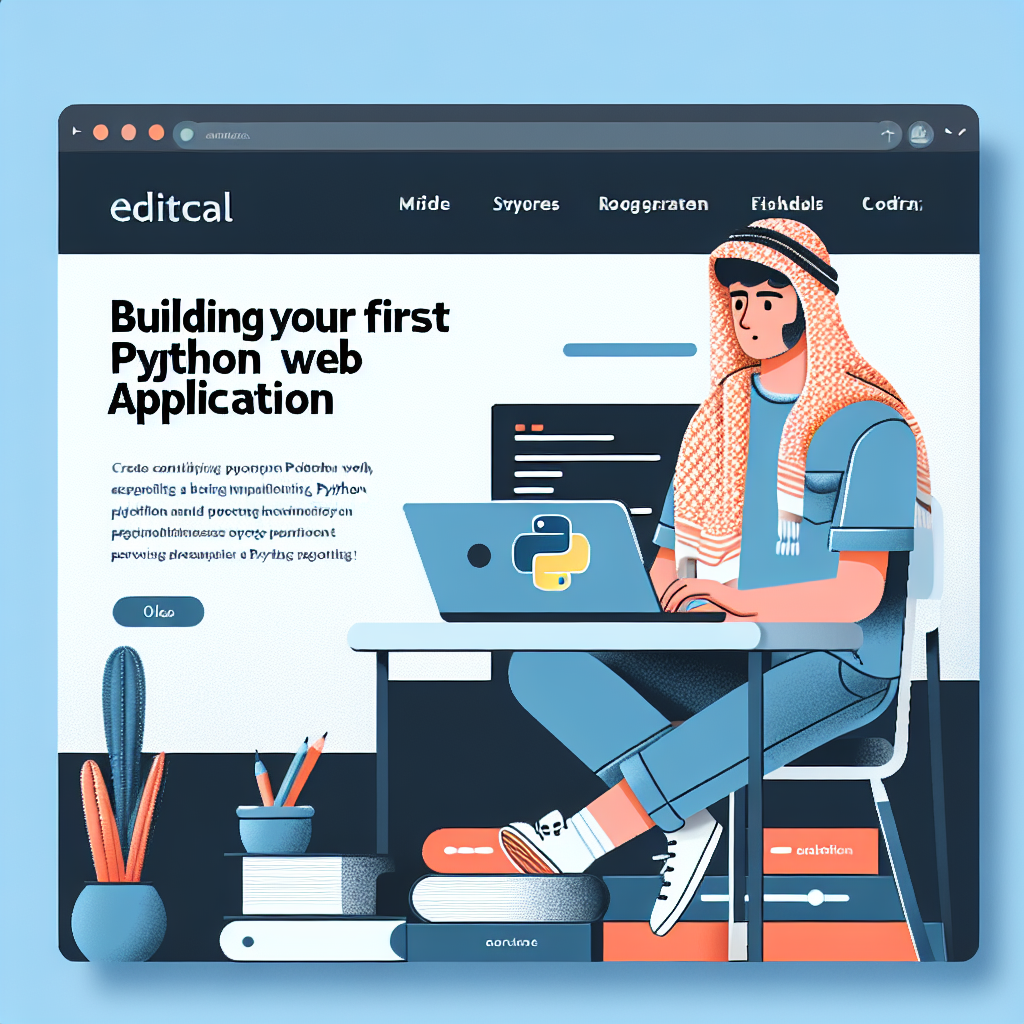
Building Your First Python Web Application
Introduction
Building your first Python web application can seem like a daunting task, especially if you’re new to programming. However, Python’s simplicity and the availability of powerful frameworks make it an accessible choice for beginners. This guide will walk you through the essential steps to create a basic web application using Python, equipping you with the knowledge to expand your projects in the future.
Understanding Web Frameworks
Before diving into coding, it’s important to understand what a web framework is. A web framework simplifies the process of building web applications by providing pre-built components and tools for common tasks.
- Django: A high-level framework that follows the “batteries included” philosophy.
- Flask: A micro-framework that is lightweight and easy to use, perfect for small applications.
- FastAPI: A modern framework for building APIs with Python 3.6+ based on standard Python-type hints.
For this article, we will focus on Flask, as it is beginner-friendly and allows for rapid development.
Setting Up Your Development Environment
Before you start coding, you need to set up your development environment. Here’s how to get started:
- Install Python from the official website (python.org).
- Install Flask using pip by running pip install Flask in your terminal.
- Choose a code editor or IDE. Popular choices include Visual Studio Code, PyCharm, and Sublime Text.
Creating Your First Flask Application
Now that your environment is set up, let’s create a simple web application.
from flask import Flask
app = Flask(__name__)
@app.route(‘/’)
def home():
return “Hello, World!”
if __name__ == ‘__main__’:
app.run(debug=True)
This code creates a basic Flask application that returns “Hello, World!” when accessed from the root URL.
Running Your Application
To run your application, execute the following command in your terminal:
python app.py
Your application will start running on http://127.0.0.1:5000. Open this URL in your browser to see your message displayed.
Adding More Functionality
As you become comfortable with the basics, consider implementing more features such as:
- Dynamic Routing: Create routes that accept parameters.
- HTML Templates: Use Jinja2 templates for dynamic web pages.
- Form Handling: Collect user data through forms.
Common Mistakes to Avoid
Even experienced developers can make mistakes. Here are some common pitfalls to watch out for:
- Not using a virtual environment for your project.
- Hardcoding sensitive information instead of using environment variables.
- Neglecting to properly manage dependencies in your project.
Benefits of Building with Python
Choosing Python for web development has numerous advantages:
- Readability: Python’s syntax is clear and easy to understand.
- Community Support: A vast community provides extensive libraries and frameworks.
- Versatility: Python can be used for web development, data analysis, artificial intelligence, and more.
Conclusion
Building your first Python web application is a rewarding experience that opens up many possibilities in software development. By following the steps outlined in this guide, you have created a basic Flask application and learned about web frameworks, development environments, and more advanced features you can explore. As you practice and develop your skills, you will find that Python is a powerful tool for creating dynamic web applications.